
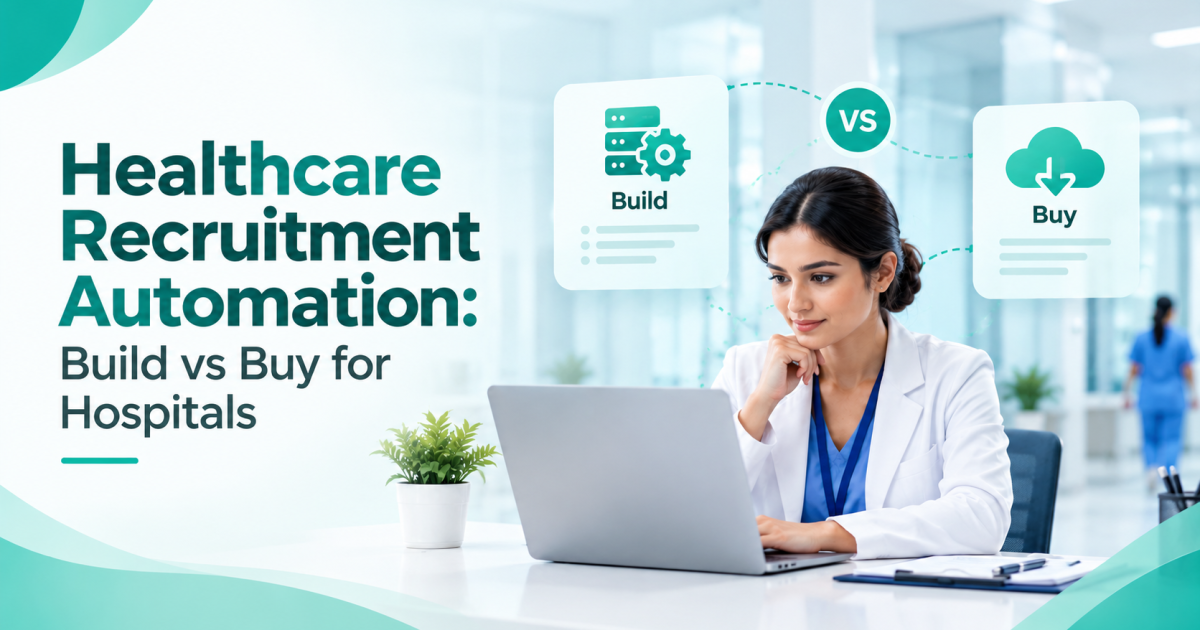
Hospitals evaluating healthcare recruitment automation must choose between spreadsheets, a generic applicant tracking system, and custom-built software.
The right choice affects credential verification, staffing efficiency, compliance records, and long-term costs.
Research by McKinsey and the University of Oxford found that large IT projects ran 45% over budget on average and delivered 56% less value than predicted.
This guide compares all three options, explains the true three-year cost of building versus buying, and provides an RFP checklist to help hospital HR teams evaluate recruitment systems.
The Real Question Is What the Hospital Must Protect
Build versus buy is the wrong first question. Start with what hiring technology has to protect. Three things matter most: legality, continuity, and evidence.
Legality means every clinician on duty holds a valid registration and in-date certificates. Continuity means wards and ICUs keep running when someone resigns, so vacancies need fast, roster-aware backfill.
Evidence means that when an accreditation reviewer, including NABH assessors, asks for a personnel file, the answer is ready in minutes, not days.
These three needs explain why buyers of recruitment technology for healthcare teams should test tools against clinical workflows, not against how pleasant the candidate pipeline looks.
Before comparing any vendor, map the current hospital recruitment process from requisition to joining date. The gaps in that map become the requirements.
Spreadsheets: Low Initial Cost, Higher Manual Work
Spreadsheets can work for hospitals managing a small number of hires each month. However, as recruitment volume grows, manual tracking becomes harder to manage.
Multiple users may overwrite updates, and HR teams can miss registration expiry dates without automated reminders.
Candidate contact details and identity documents stored in shared folders may also create data security risks if access controls are inadequate.
Reporting often requires manual updates and reconciliation across files.
The actual cost of spreadsheets includes the time HR teams spend chasing documents, correcting records, tracking credentials, and preparing information for audits.
-
Generic ATS Software: Efficient Pipelines, Limited Clinical Workflows
A general-purpose applicant tracking system (ATS) typically supports job postings, candidate pipelines, interview scheduling, and recruitment communications. These features can work well for corporate and non-clinical hiring.
However, clinical recruitment may require additional configuration. Registration numbers, issuing councils, certificate expiry dates, shift availability, and ward-specific requirements may not be supported in the default workflow.
Depending on the system, hospitals may need custom fields, integrations, or separate spreadsheets to manage these details.
Before purchasing, evaluate whether the ATS can support clinical hiring requirements without creating additional manual work.
-
Healthcare-Specific Platforms: Built Around Clinical Recruitment
Healthcare-focused recruitment platforms are designed to support clinical roles, credential records, document tracking, and different hiring requirements for doctors, nurses, allied health professionals, and technicians.
When these capabilities are included in the standard product, hospitals may need less customisation to manage routine clinical recruitment workflows.
The trade-off is flexibility. Unusual approval processes or complex integrations may require vendor support, and product development priorities are generally controlled by the vendor.
Hospitals should compare configuration options, integration capabilities, support commitments, and total ownership costs before selecting a platform.
Three Tests Every Option Must Pass
-
The Licence Test
Can the system store the registration number, issuing council, validity date, and proof document, then warn HR before renewal?
Doctors are checked against the Indian Medical Register kept by the National Medical Commission and state medical councils. Nurses are checked against state nursing councils. A tool that stores a PDF does not verify anything.
Pass mark: the vendor shows a live check and an expiry alert in the demo, not on a slide.
-
The Roster Test
Hospitals hire for rosters, not just roles. Recruiters need to tag candidates by unit experience, shift preference, notice period, and joining availability. Bulk requisitions matter too. Ten nurses for a new ward should travel through one approval chain, not ten.
Pass mark: a recruiter can build a shortlist for a night-shift ICU vacancy in a few clicks.
-
The Audit Test
An audit trail records who viewed, changed, approved, or rejected each record, and when. For hospitals, it should also hold consent timestamps and document versions. Many generic tools log only stage changes, and spreadsheets log nothing reliable.
Pass mark: the vendor produces the full history of one candidate record on request.
Build-Cost Reality Check
Building looks attractive because the first estimate usually covers screens and a database. Scope grows from there.
-
What the Estimate Leaves Out
A launch estimate usually names developers, designers, testers, hosting, and a few integrations with HRMS, payroll, job boards, email, and SMS. It rarely names the work that follows. Bug fixes arrive every month.
Council processes and forms change. Recruiters and department heads need training and a support desk.
Every department sends feature requests. Data protection needs periodic review. And when the lead developer leaves, the knowledge leaves too.
None of this shows up in the first quote, yet all of it recurs every year.
-
The Three-Year Sum
Put every route on one scale with this line:
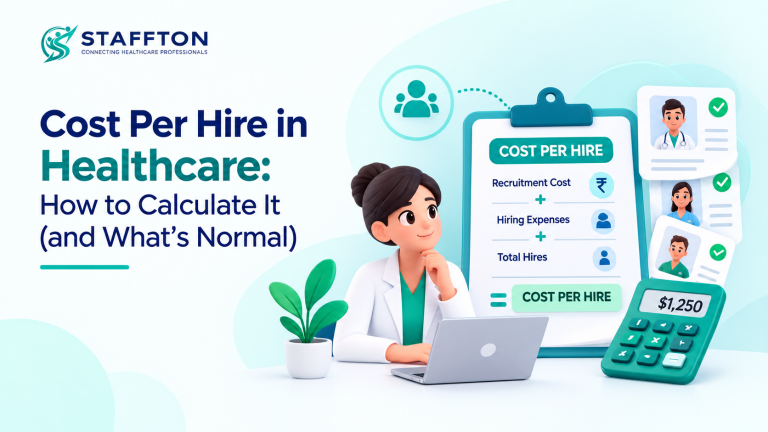
Three-year cost of building = build cost + (annual run cost × 3) + HR hours spent on requirements and testing + the cost of vacancy days during the build
Ask IT for each input in writing. The last term deserves attention because each month without a working system keeps hiring on spreadsheets.
Hospitals that already track recruitment cost per hire can convert open-vacancy days into rupees using the same figures. Then compare the total with a vendor’s three-year applicant tracking system subscription, implementation fee, and training charges.
-
When Building Is Still Right
Building is defensible when a hospital group runs an unusual approval chain, when an in-house product team will own the tool for years, or when an existing HRMS needs an integration no vendor can match.
Even then, a middle path exists: buy the core and build only the connectors.
-
Matching the Route to the Hospital
A single clinic with a few hires a month can bridge on a locked spreadsheet template with calendar reminders.
Set a trigger for moving on, either the first missed licence expiry or the first audit query that takes days to answer. Past that point, an applicant tracking system repays its cost in avoided errors.
A mid-size multi-specialty hospital gains most from a healthcare-specific platform. Clinical hiring volume is steady there, and audit needs are real.
A hospital group with several sites should buy the core, connect it to HRMS and payroll, and insist on multi-site reporting.
Seasonal or urgent gaps call for a second lever. Pairing software with medical staffing solutions provides temporary cover while permanent hiring catches up.
Indian buyers should also check local fit: support for Indian council registrations, GST-compliant invoicing, and candidate communication on channels like WhatsApp and SMS.
The Hospital Applicant Tracking System RFP Kit
Copy this section into a document and send it to vendors. It is built to expose weak answers early.
Seven Asks Every RFP Should Carry
- Describe the hospital. State beds, departments, sites, and yearly hiring volume so vendors price the real workload.
- Attach the process map. Share the requisition-to-joining map so vendors respond to actual steps.
- Demand a credential demo. Require a live walkthrough of registration capture, expiry alerts, and doctor verification for the councils your hospital uses.
- Test the roster. Ask for a bulk requisition and a shift-based shortlist, built live.
- Request the audit trail. Ask for a full history of one record, including consent and document versions.
- Probe security and exit. Ask for hosting location, access controls, retention rules, and a full data export in a standard format such as CSV.
- Force full pricing. Ask for licence, implementation, training, support, and renewal terms across three years, plus two reference hospitals of similar size.
How to Score the Answers
Fix the weights before any demo, so a polished presentation cannot move the score. A sensible starting point gives credential verification about a quarter of the marks, workflow and shift fit one fifth, compliance and data protection another fifth, integrations fifteen percent, and implementation, support, and three-year price ten percent each. Adjust to hospital priorities, but lock the weights first.
Need the Hospital ATS Requirements Checklist and RFP Template?
Request it from the Staffton Health team through the contact page, and the team will share it with your HR group.
Staffton Health, a healthcare recruitment and medical staffing platform in India that connects professionals with hospitals and clinics, can also walk you through it.
Conclusion
Spreadsheets hold up only while hiring volume stays tiny. Generic tools manage pipelines but leave credential checks, shift data, and audit trails to manual work.
Healthcare-specific platforms cover those gaps in the base product. Building pays off only when requirements are truly unusual and a team can own the tool for years, and the three-year sum shows what that ownership costs.
The next step is short. Map the process, send the RFP asks, run two or three demos, and score each vendor with fixed weights.
A hospital that follows this order reaches a defensible decision on its applicant tracking system without relying on opinion.
FAQs
1. What is an applicant tracking system in a hospital?
It is software that manages hiring from requisition to joining. In a hospital, it should also store registration details, track certificate expiry, and keep an audit trail for every candidate record.
2. Is a generic applicant tracking system enough for a hospital?
It can handle non-clinical roles and basic pipelines. Clinical hiring needs registration checks, expiry alerts, and shift-related fields, which most generic tools lack without heavy customisation.
3. How much does it cost to build a hospital ATS in-house?
No honest single figure exists, because cost depends on scope, integrations, and team rates. Use the three-year sum in this guide and collect each input from the IT team in writing.
4. How long does hospital ATS software take to implement?
Timelines depend on the number of sites, data migration, and integrations. Ask each vendor for a milestone plan with named responsibilities on both sides.
5. What should an RFP for hospital hiring software include?
It should include a hospital profile, the process map, live demo requirements for credentials, rosters, and audit trails, security and exit terms, three-year pricing, references, and a fixed scoring method.